My AI Super Prompt Generator · PLR package
Build Clearer AI Prompts Before You Start Your Next Project
Turn your goal into structured instructions for your preferred AI assistant—with a guided browser tool you can also rebrand and sell under the included license.
My AI Super Prompt Generator helps you organize your task, audience, output format, and supporting details into a prompt you can copy. Prepare the instructions in your browser, then paste them into your AI assistant to carry out the work.
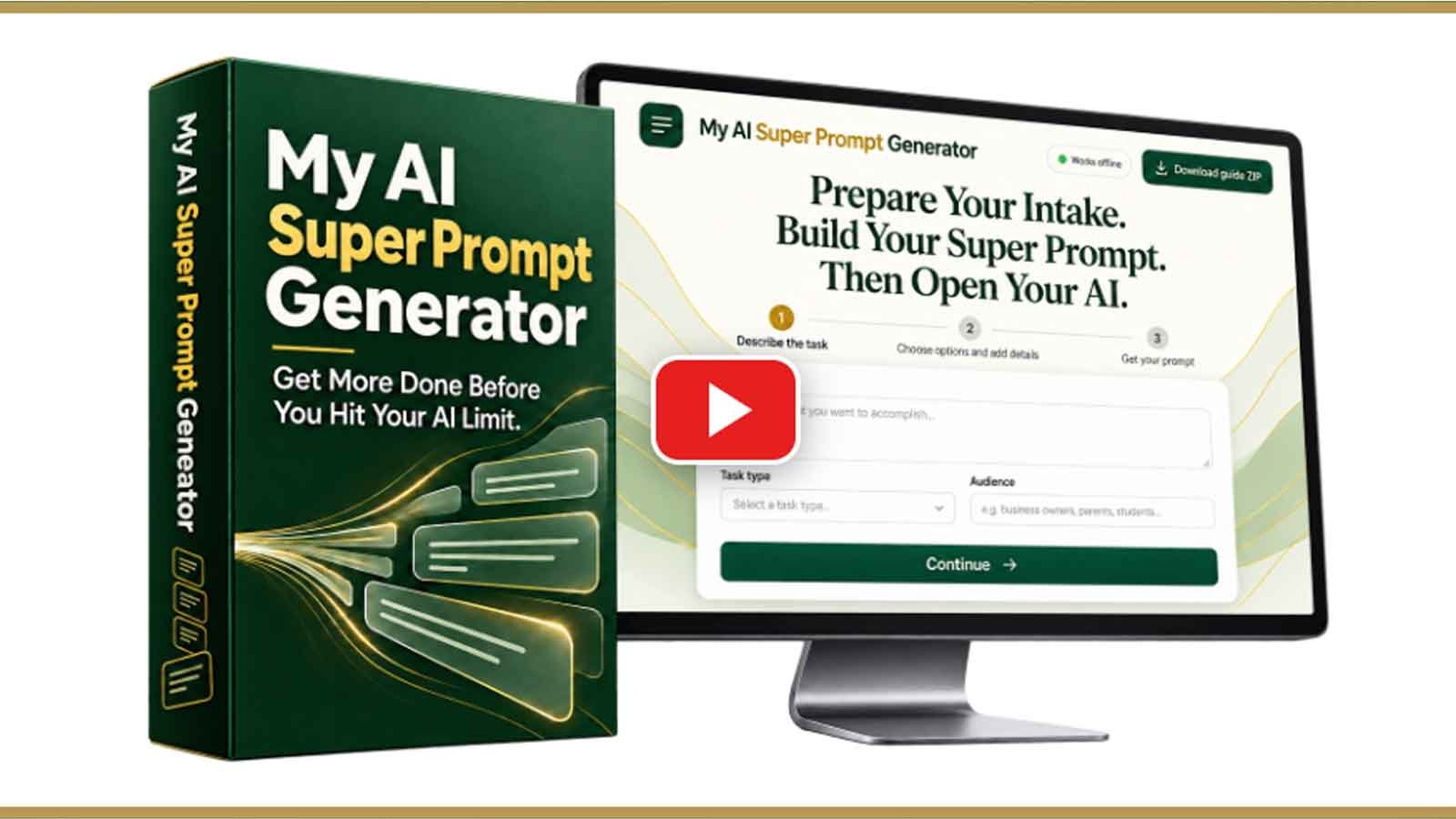
Your chosen AI service may have separate fees and usage limits.
From vague requests to useful instructions
Spend Less Time Explaining What You Want AI to Do
A short request can leave out the details that shape a useful answer. You may need to clarify the audience, change the format, or explain the same goal again. That back-and-forth can interrupt your work and use more of your AI allowance.
This AI prompt generator gives you a place to prepare those details first. Its guided choices help you build a more complete starting brief before you send anything to your AI assistant.
The common sticking point
You know the result you want, but turning that idea into clear AI instructions takes effort—especially when every project needs a different format.
A clearer starting point
Describe the goal, choose the task and output, and add useful context. The tool assembles instructions you can review, copy, and refine.
Clearer prompts may reduce avoidable revisions. Results and usage savings depend on the task, your inputs, and the AI service you use.
One Prompt-Building Workflow for Many Types of Work
Use it to prepare instructions for content, marketing, research, planning, learning materials, browser tools, spreadsheets, and visual projects.
Start with guidance
Follow the intake choices to define your goal and desired deliverable. You do not need to write the entire prompt from scratch.
Prepare prompts offline
The downloaded HTML tool generates prompts locally in your browser without making AI calls. Edit your brief before opening your AI session.
Use your preferred assistant
Copy the finished prompt into ChatGPT, Claude, Gemini, Grok, or another AI assistant. The assistant creates the requested output.
Build a reusable starting point
Copy and save prompts for related projects. Update the goal, context, and format when your next task changes.
How to get from an idea to a prompt
- Describe the task. Enter your goal, select a category, and identify your audience when relevant.
- Shape the output. Choose a format and include source material or other details your AI should consider.
- Generate, copy, and review. Create your prompt, paste it into your AI assistant, and check the resulting work before using it.
What the vendor lists in the package
- The standalone My AI Super Prompt Generator browser tool.
- A practical user guide in PDF and editable Word formats.
- A PLR license and a sales letter you can customize.
- Six promotional email swipes, 25 social posts, and five video shorts scripts.
- Product cover artwork and tool screenshots for presenting your offer.
Give Your Next AI Project a Clearer Brief
If you want a guided way to prepare AI prompts—or a licensed foundation for your own branded offer—explore the package and see whether it fits your workflow.
Explore My AI Super Prompt Generator →Check the seller’s page for current pricing, package details, license terms, and any optional upgrades before purchasing.
Frequently Asked Questions
What is My AI Super Prompt Generator?
It is a downloadable browser tool that assembles structured AI prompts from your task details and selections. It prepares the instructions; your chosen AI assistant performs the task.
Do I need prompt-writing experience or an API key?
No prompt-writing experience or API key is required for the generator. Open its HTML file in your browser and follow the guided choices. Your AI assistant may require its own account.
Does it create content by itself?
No. It creates prompts locally without making AI calls. Copy a generated prompt into an AI assistant to request content or other work. Review all output for accuracy and suitability.
Which AI assistants can I use?
The vendor lists ChatGPT, Claude, Grok, and Gemini, and says the prompts can be used with other AI assistants. Available capabilities, file support, and output quality depend on the service and plan you choose.
Will it remove AI usage limits?
No. Preparing instructions outside your AI chat avoids using AI calls to generate the prompt itself. More complete instructions may reduce unnecessary follow-up, but the AI provider’s limits still apply.
Can I rebrand and sell the tool?
The package includes PLR rights to customize the tool and materials and sell a finished version for personal use, subject to the license. Customers cannot receive PLR, resale, or master resale rights from you.
Can I save my prompts for later?
Yes. Copy and save completed prompts before closing or refreshing the tool. According to the vendor, your answers remain only in the open tab.
Is there a monthly fee?
The vendor states there is no monthly fee for the generator itself. A separate AI service may charge fees. Check the current offer and checkout for pricing and optional extras.